Lodge Ready beta
Is this ready to lodge?
A draft consent pack with source references, and a clear account of what still needs work.
In beta. This walkthrough plays back a recorded run on a fictional 10-page set. Uploading and running your own set are not available on this site.
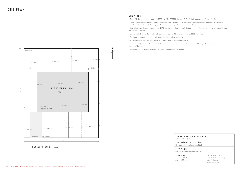
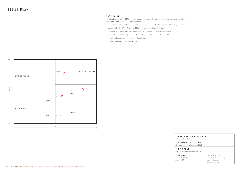
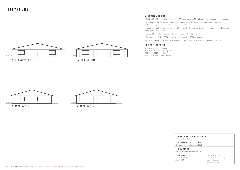
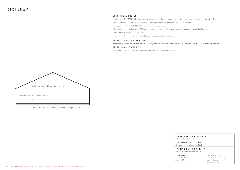
Scene 1 of 9
One fictional set
Start with the drawing set and the council.
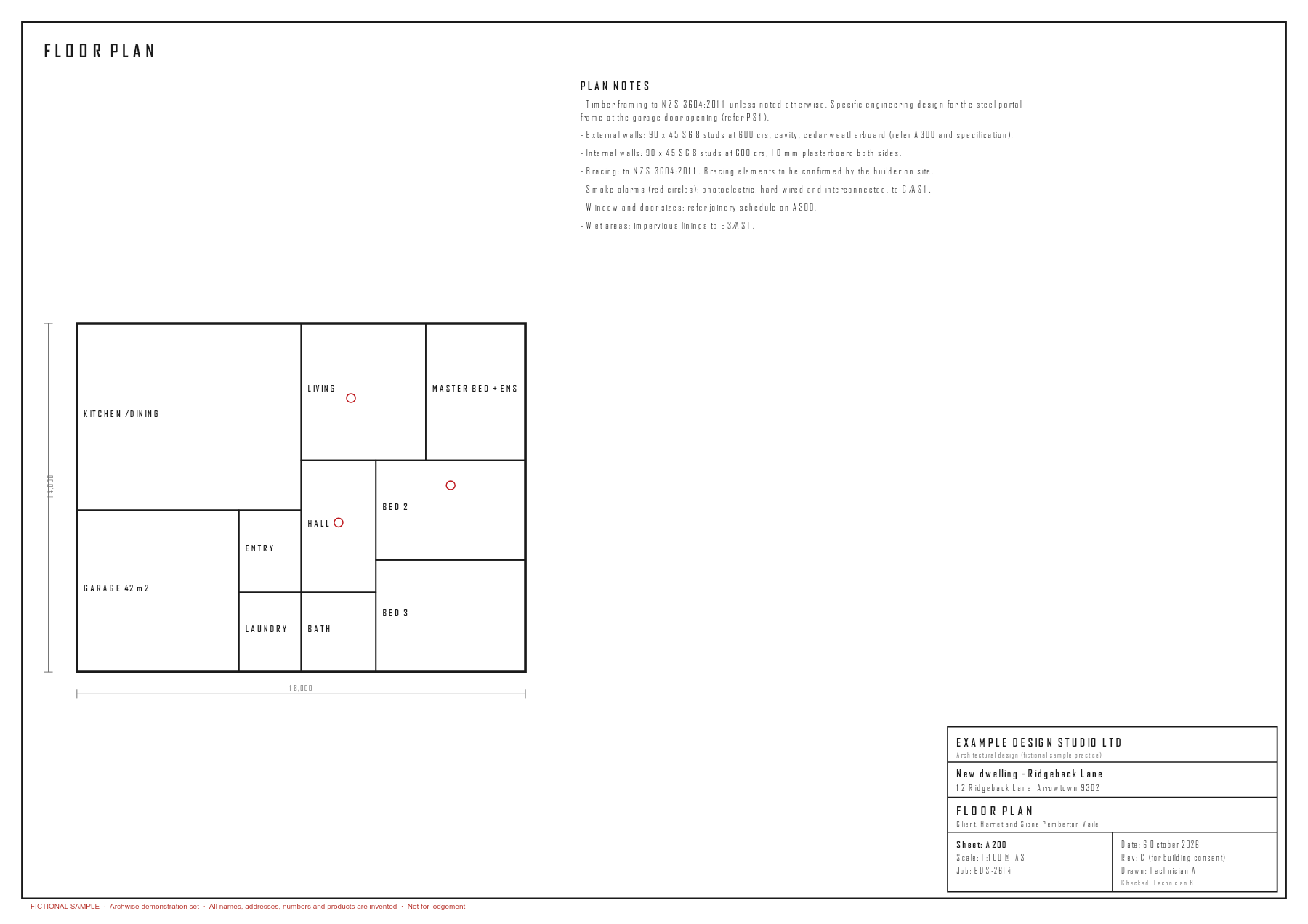
The input is the whole bundle as it would be lodged: 10 pages. They hold the Form 2 already filled in, a title extract, the drawing sheets, specification excerpts and a PS1. Lodge Ready reads all of it.
Found on p.4 and p.10. When a set names no council and none is chosen, the run falls back to a default and records that it did, so the choice is yours to confirm.
run.json · council, councilFrom
Source · run.json: pages, council, councilFrom, ranAt · facts.json: source.sheets · recorded run, 27 October 2026 (NZ time)
Use the arrow keys inside the walkthrough to move between scenes. Numbers are read from the recorded run of 27 October 2026, which used the house v2026-10-15b (28 items) checklist, the current one. Its rules were re-applied to the stored model outputs on 27 October 2026, after two fixes in the code.
How it works
What you give it
The consent set as you would lodge it, in sheet order: the drawings, plus the Form 2, specification excerpts and producer statements already in the bundle. Lodge Ready reads all of it.
Choose the council, or let it be read from the set. If none is found, the run falls back to a default and says so, for you to confirm. You also confirm the assumptions about the owner, agent, application type, restricted building work and self-certification.
What it checks
The house checklist looks for structural information, durability, moisture control, access, safety, services and energy efficiency evidence. Each item is marked Pass, Check, Fail or Not applicable, with a page reference, a quotation and a suggested fix where it has one.
Fixed rules for H1 and NZS 3604 can overrule the AI’s reading. The H1 rule, for one, recognises a calculation elsewhere in the set and tells a product R-value from a construction R-value. When pages disagree, the run keeps both values, says which it used, and names the pages.
Quotations are matched against the text of the page they cite. That shows the words are there; it does not show the design complies.
What you get back
| Draft Form 2 | A filled draft with editable fields, each marked as from the set, assumed, or still to supply. | form2.pdf, form2.json |
|---|---|---|
| Drawing check | Clause findings, source references, a drawing-readiness score and suggested fixes. | code-check.md, .json |
| Draft specification | Sections built from the drawing facts and maintained section data, with missing items written as [TBC]. | spec.docx, .md, .json |
| Specified systems | SS 1 to SS 16, with performance and inspection standards, maintenance and who inspects for each system shown, and a compliance-schedule assessment. | specified-systems.docx, .md, .json |
| Supporting record | The extracted facts and a record of how the result was produced. | facts.json, run.json |
What it does not do
It does not grant consent, lodge an application or replace your review. It is not a full code-compliance assessment, and it does not design missing specified systems. Some Form 2 information is always left for a person.
Form 2 is currently filled on Southland District Council’s published form, with a generated fallback. Verified templates for every council are not in place yet.
Would you try it on your next consent set?
Tell us about your practice and the job you would start with. We’ll contact you about the beta.